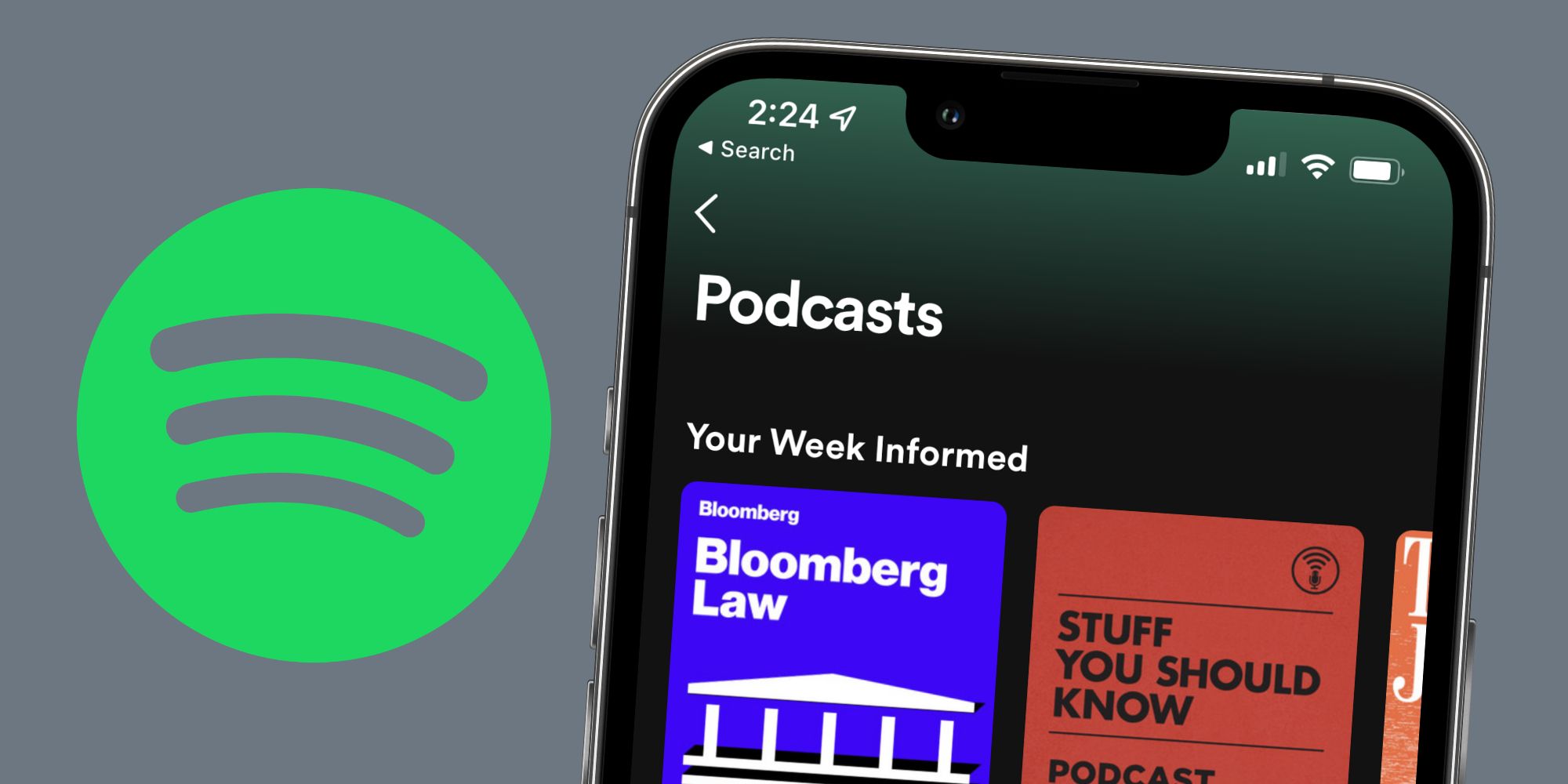
Spotify can be a great app for listening to podcasts — except when podcasts keep restarting in the middle of listening to them. For years and years, Spotify was the biggest music streaming service. And that was it. It was a one-stop destination for new albums, your favorite artists, personalized playlists, etc.
But that changed a little under four years ago. After testing podcasts with select users in 2017, Spotify opened its podcast publishing service to everyone in October 2018. Since then, Spotify has also become one of the largest podcast apps on the market. From world-renowned shows like This American Life and Stuff You Should Know to Spotify's own original podcasts, there's a seemingly endless library of podcasts to listen to. The best part? Anyone can listen to podcasts on Spotify entirely for free — no Spotify Premium subscription required.
While Spotify's podcast experience is great when it works, it's also incredibly frustrating when things go wrong. One of the most common (and irritating) issues for many Spotify users is when podcasts randomly restart. A quick search online reveals numerous complaints on Reddit and the Spotify Community forums with this exact issue. Spotify user been_jammin says, "If I am in the middle of a podcast and an ad starts playing, the podcast will restart at the beginning once the ad is complete." User lord_oxium reports a nearly identical issue, writing, "Not sure if anyone else has experienced this, but when an ad comes up during a podcast, skipping it will sometimes restart the podcast episode."

If you've encountered the restarting podcast issue and aren't sure what to do, there are a few ways to go about fixing it. According to Spotify, the first step is to log out of the app and log back in — and then do it again. While it sounds odd, Spotify says logging out and logging in twice in a row "forces a cache refresh" for the app. To do this, simply perform the following steps:
- Tap the settings icon in the top right corner (the one that looks like a gear).
- Scroll to the bottom of the page.
- Tap the white 'Log out' button.
- Tap 'Log out' on the new pop-up to confirm the action.
- Log back into the app, re-do all of the above steps, and then log back in again.
If Spotify podcasts keep restarting after following these steps, Spotify recommends uninstalling the app and reinstalling it again. Spotify says this gets rid of "any cached files that might be causing trouble." On iPhone, you can uninstall the Spotify app by pressing and holding on the app icon and then tapping 'Delete App.' The steps on Android can vary slightly from device to device. From the app drawer, press and hold on the Spotify app, drag it to the top of the screen, and then confirm its deletion. Alternatively, you may be able to press and hold on the app and then tap an 'Uninstall' button above it. Once the Spotify app is deleted, visit the App Store or Google Play Store, log back in, and you should be good to go.
Source: Spotify (1), (2)
Comments
Post a Comment