How To Add Music Tracks To Samsung Galaxy Watch 4 | Screen Rant

The Samsung Galaxy Watch 4 is good at managing audio playback, and tracks can also be stored directly on the smartwatch. This is not new to Samsung watches considering the previous generations have also been able to store audio tracks thanks to a decent amount of available storage. For instance, the Samsung Galaxy Watch 3 comes with 8GB and the Samsung Galaxy Watch Active 2 comes with 4GB. Both smartwatches have a dedicated Music app that can be used to access stored tracks.

Samsung is using the new Wear OS 3 smartwatch platform with the Galaxy Watch 4. Wear OS 3 is designed to deliver better performance than the older Tizen OS found on Samsung's previous smartwatches, and will become available for more smartwatches in the future. The new operating system improves the Samsung smartwatch experience in many ways, including usability and longevity.

Related: Samsung's Galaxy Watch 4 Update Adds Better Heart Rate Tracking

Adding tracks to the Samsung Galaxy Watch 4 is a fairly easy process. Open the Galaxy Wearable app on a smartphone and tap on Watch Settings. In the menu, tap on Manage Content and then on Add tracks. From here, select all the tracks that are to be added to the Samsung Galaxy Watch 4 and then tap on Done. The Galaxy Wearable app will then add the selected tracks to the smartwatch. As the tracks are added, users will see a confirmation prompt on the screen. Since the Samsung Galaxy Watch 4 comes with 16GB of internal storage, users can add quite a lot of tracks or music albums to their smartwatch and listen to them while on the go.
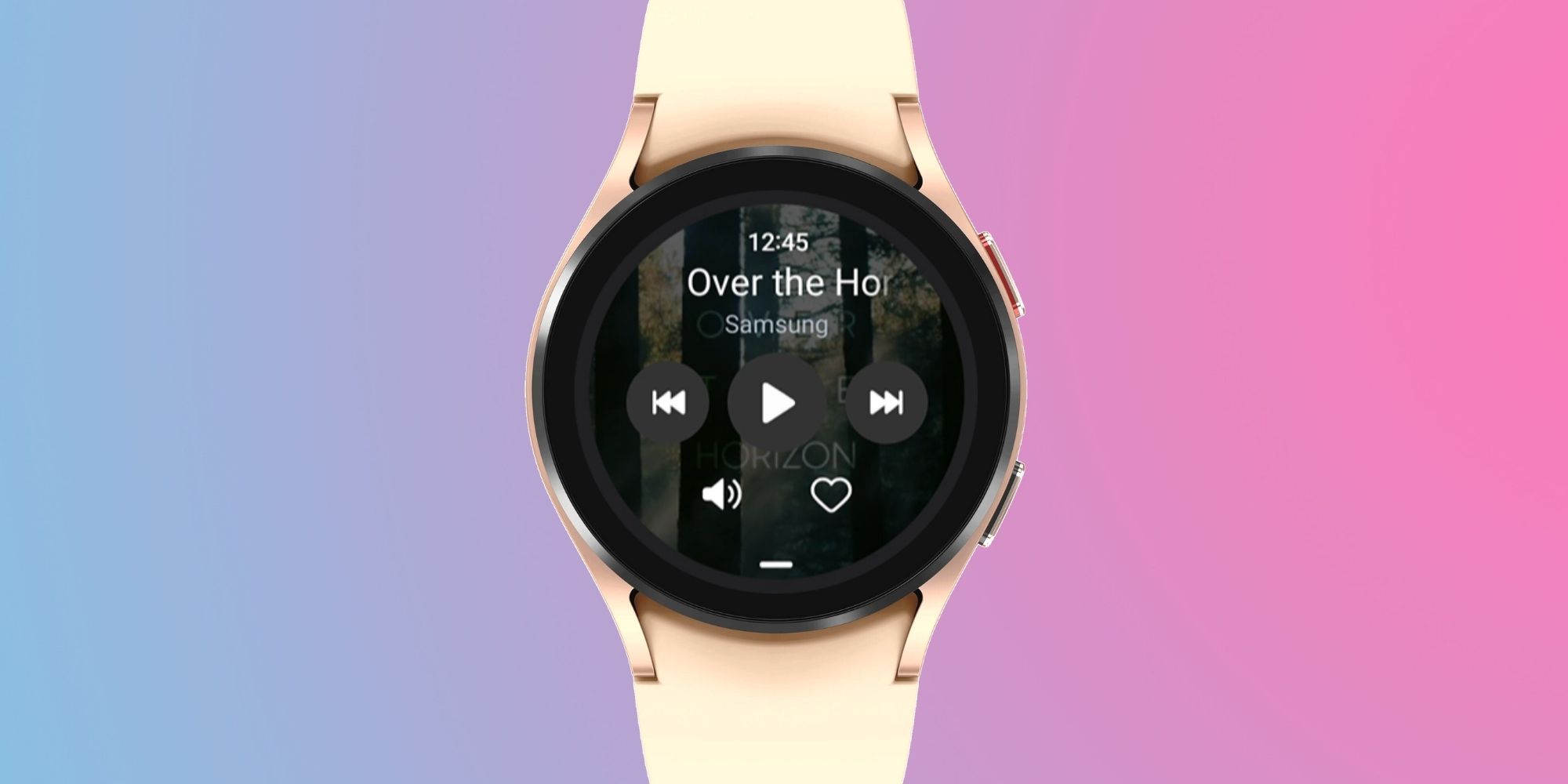
Once all the tracks are added, users can find and play them from the Music app on the Samsung Galaxy Watch 4. Located in the main menu of the smartwatch, the Music app includes a Tracks section where all the songs available on the watch are kept. To play one, just tap on the name of the song. As the Samsung Galaxy Watch 4 can also be connected to wireless headphones or earphones, users can direct their music to another audio device while managing the playback from the smartwatch. The Music app provides on-screen controls for playing/pausing, next/previous track, and adjusting the volume.

Deleting songs from the Galaxy Watch 4 requires users to head back to the Music app, and then tap (and hold) on a track to select it. An option to Delete the song will then be visible on the screen. As this smartwatch is only compatible with Android smartphones, iPhone users won't be able to take advantage of adding music if using a Galaxy Watch 4. For Android users, however, they can store their favorite music tracks directly on their Samsung Galaxy Watch 4 and listen to them at any time.

Next: Xiaomi's Galaxy Watch 4 Rival Looks Stunning And Is Cheaper

Source: Samsung


Comments

Popular posts from this blog

CBS' Ghosts: Every Main Ghost Time Period & Backstory Explained

One of CBS' newest sitcoms,  Ghosts , features a cast full of spectral characters that each hail from a distinct time period and come with their own unique backstory and death. Though each of the eight ghosts has a wildly different perspective based on their different experiences throughout history, they nonetheless form a sort of family, which is one of the show's greatest charms. After all, being stuck with the same people for all of eternity allows for plenty of time to get to know each other. Ghosts , which is an adaptation of a BBC show of the same name, stars Utkarsh Ambudkar and Rose McIver (who played Liv Moore on five seasons of  iZombie ) as Jay and Sam, a young couple who inherit a mansion in upstate New York. To their surprise, however, the house also comes with several ghostly inhabitants, who Sam is able to see after a near-death experience. These are Thorfinn (Devan Long), Sasappis (Román Zaragoza), Isaac (Brandon Scott Jones), Hetty (Rebecca Wisocky...

Every Actress Who Played Agatha Christie's Miss Marple, Ranked

Author  Agatha Christie 's Miss Marple is one of the most iconic and celebrated literary sleuths of all time. The amateur investigator was first introduced in the 1930 novel Murder at the Vicarage , appearing in 11 subsequent novels up until 1976. The character has been portrayed on the stage, on radio, and for our purposes, on the big and small screen several times since the character's screen debut in 1961. Over the past 60 years, Miss Marple has been portrayed by several actresses, many of whom hail from different parts of the world. To see who did Miss Marple the most justice on screen, scroll below. Updated July 21st, 2022 by George Chrysostomou:  Agatha Christie's works are still influencing the industry today and Miss Marple is among her most famous creations. With the Knives Out sequel, Glass Onion , taking the audience back to the genre, it's well worth checking out these classic portrayals of one of the best detectives out there featuring some fantastic Mis...

Horizon Forbidden West: 10 Best Quotes From The Game

WARNING: Major SPOILERS for Horizon Forbidden West discussed in this article. Upon its release on February 28, 2022, the massive open-world single-player video game Horizon Forbidden West continues to pick up steam among avid and casual gamers alike. The story continues the epic quest of Aloy to save humanity from global extinction, traversing a sprawling post-apocalyptic western United States to carry out a series of missions. RELATED: Horizon Forbidden West - Aloy's 10 Best Weapon Types Ranked From Worst To Best The cinematic nature of the game makes for a series of engaging monologues, quips, quotes, and important dialogues that advance the plot while also revealing something about the main characters. Whether it's Aloy, Varl, Reglla, or others, the most memorable quotes stand out for a reason. In a badass mission statement that immediately establishes who is boss and what her clear objectives are early in the content-rich open-world game , Aloy's heartfelt vow to ...